Lust Odyssey
Play Lust Odyssey
Lust Odyssey Screenshots
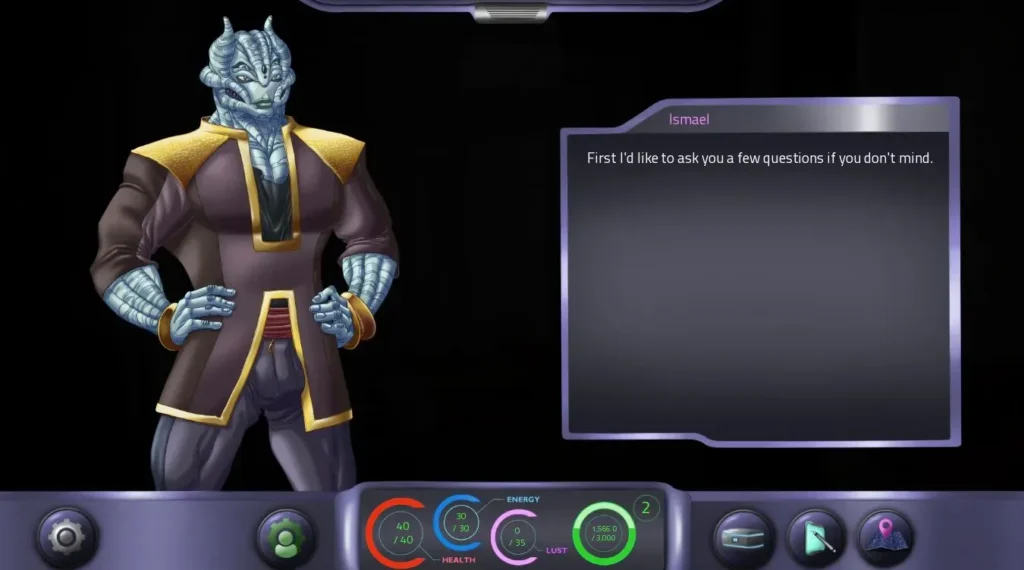
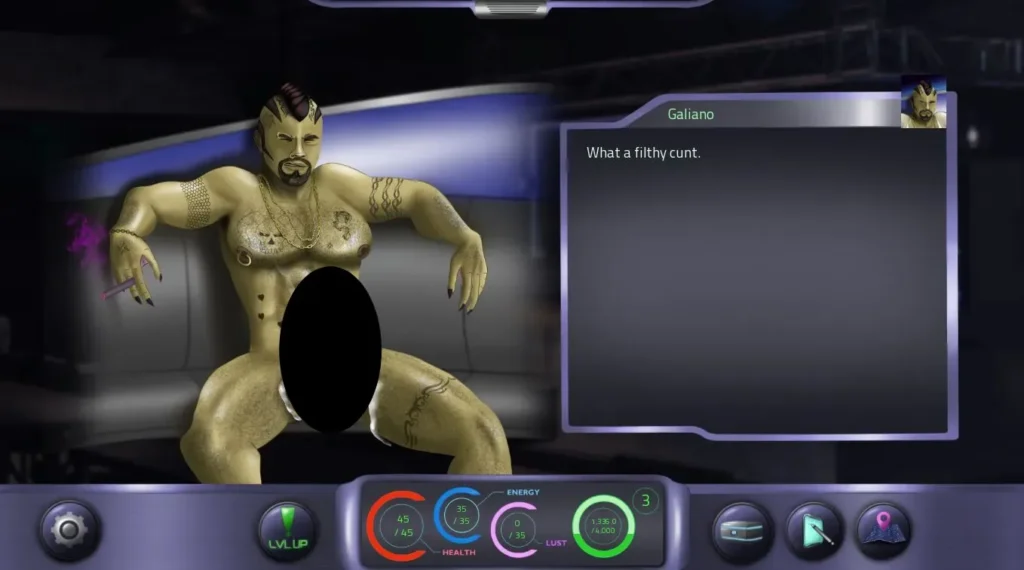
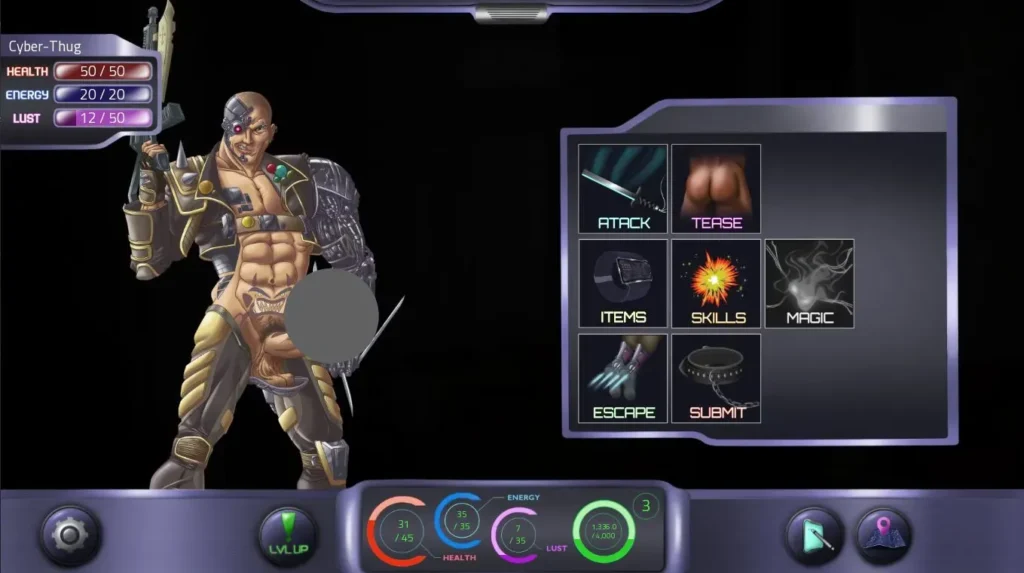
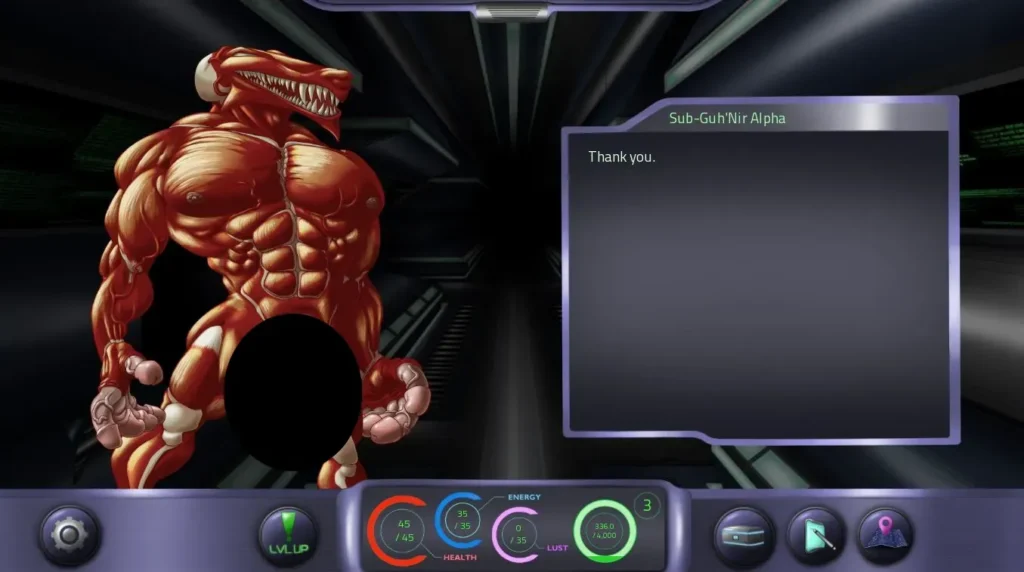
Lust Odyssey review
Everything to know about playing, choices, romance paths, and progression in Lust Odyssey
Lust Odyssey is a narrative-driven adult visual novel and role-playing experience that centers on ship crews, planetary exploration, and player-driven romantic arcs; this guide will walk you through the game’s core systems, romance mechanics, and practical strategies to get the most from your playthrough while highlighting important choices and optional content. In the paragraphs that follow I’ll share hands-on tips from my own sessions, describe the romanceable characters and kinks system, and give clear steps to reach major milestones in the story. Whether you’re just installing the game or replaying to see alternate paths, this article will help you plan decisions, optimize resources, and enjoy the game’s tone and branching outcomes.
Getting Started: Installation, Character Setup, and UI Basics
Alright, space cadet, buckle up! 🚀 You’ve decided to embark on the Lust Odyssey, and let me tell you, you’re in for one heck of a ride. But before you can command your starship or charm your way through a cantina, you need to get the game running, shape your destiny, and learn your way around the cockpit. This guide is your all-access pass to a smooth launch.
How to install and launch Lust Odyssey
Getting your hands on Lust Odyssey is straightforward, but a few pointers will save you from any pre-flight jitters. The game is primarily distributed through platforms like itch.io and Patreon from the developer. You’ll typically download an executable installer or a compressed archive (.zip or .rar file).
Here’s your step-by-step checklist to get from download to gameplay:
For Standard Windows Installs:
1. Download: Grab the latest version from the official source. It’s usually a single installer file (e.g., Lust_Odyssey_Setup.exe).
2. Run the Installer: Double-click the file. You may get a Windows SmartScreen warning—this is normal for smaller, independent games. Click “More info” and then “Run anyway.”
3. Choose Install Location: The installer will suggest a directory. I recommend sticking to the default or choosing a simple path like C:\Games\LustOdyssey to avoid any permission issues later.
4. Launch: Once installed, you can launch the game from the created desktop shortcut or the Start Menu. Your first Lust Odyssey install is complete! 🎉
For Itch.io App or Archive Files (.zip):
1. Download: If it’s a .zip file, download it to an easy-to-find folder like your Downloads.
2. Extract: Right-click the .zip file and select “Extract All…” Choose a destination folder (again, something simple like C:\Games\LustOdyssey).
3. Find the Game: Navigate to the extracted folder. Look for the main game executable, often named Lust Odyssey.exe or Game.exe.
4. Create a Shortcut (Optional): Right-click the .exe file and select “Send to > Desktop (create shortcut)” for easy access.
Pro Tip: If the game window is too small or too large, dive into the Settings menu immediately from the title screen. Adjust the resolution to match your monitor for the best experience. I also crank the text speed to “Fast” so I can binge-read the story!
Now, let’s talk about the Lust Odyssey save file location. Knowing this is crucial for backups or troubleshooting. On Windows, your saves are usually tucked away in the AppData folder. You can get there quickly by pressing Windows Key + R, typing %APPDATA%, and pressing Enter. Look for a folder named LustOdyssey or something similar from the developer (like RenPy). Inside, you’ll find the saves folder. Bookmark this spot! 📂
Character creation: options and recommended builds
This is where your journey truly begins. The Lust Odyssey character creation screen isn’t just about picking a pretty face; it’s the foundation of your entire interstellar persona and will open or close doors from the very first mission.
You’ll choose a gender (which influences certain dialogue options and some romance paths), customize your appearance, and most importantly, assign your starting Attributes. These stats are the engine of your story. Here’s a breakdown:
| Attribute | What It Governs | Early Game Impact |
|---|---|---|
| Charisma | Persuasion, charm, bartering, and social maneuvering. | Lets you talk your way out of fights, get better deals, and make a strong first impression on potential crewmates. |
| Cunning | Technical skills, hacking, lie detection, and cunning dialogue choices. | Essential for bypassing security, uncovering secrets, and manipulating situations to your advantage without brute force. |
| Strength | Physical prowess, intimidation, and melee combat. | Useful for direct confrontations, intimidating foes, and some physical challenges on planets. |
| Respect | Your inherent dignity and command presence. (Often starts as a derived stat). | While you’ll earn more through choices, a higher starting point can make certain crew members take you more seriously from the get-go. |
My personal recommendation for a first playthrough? Invest heavily in Charisma or Cunning. 🧠💬 Lust Odyssey is a narrative-heavy game where conversation is often your most powerful weapon. A silver tongue can unlock special romance options, avoid costly fights, and gain you allies and information that pure strength never could.
I learned this the hard way! On my first run, I made a burly soldier with max Strength, thinking I’d bulldoze my way through the galaxy. I met the sharp-witted engineer, Lexi, early on. During a critical scene where she was fixing the ship’s core, a high-Cunning check appeared to help her and understand the problem. I failed miserably. My character just grunted and offered to hold a wrench. That single failed check delayed her personal romance path by hours of gameplay because I hadn’t earned her intellectual respect. It was a classic case of bringing a tank to a diplomacy meeting. Don’t be like my first captain!
Your initial reputation choices (like being known as a “Honorable Veteran” or a “Shady Opportunist”) also set a tone. These tags can trigger unique dialogue and affect how certain characters perceive you before you even speak. Think about the persona you want to project across the stars.
Understanding the user interface and menus
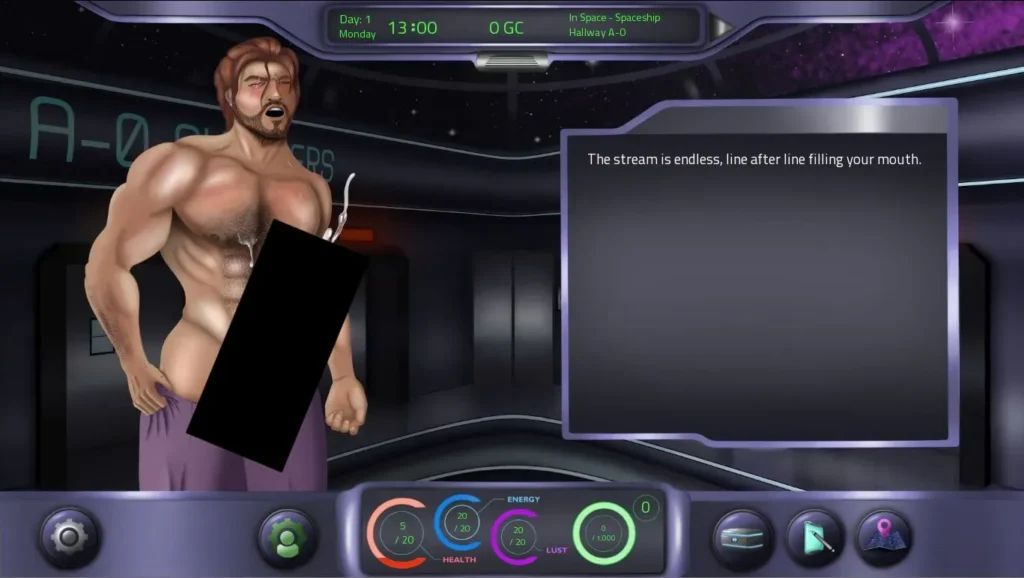
Don’t let the stars distract you from your dashboard! This Lust Odyssey UI guide will help you navigate like a pro. The interface is clean but packed with info you need to track your galactic escapades.
The Main HUD (Heads-Up Display):
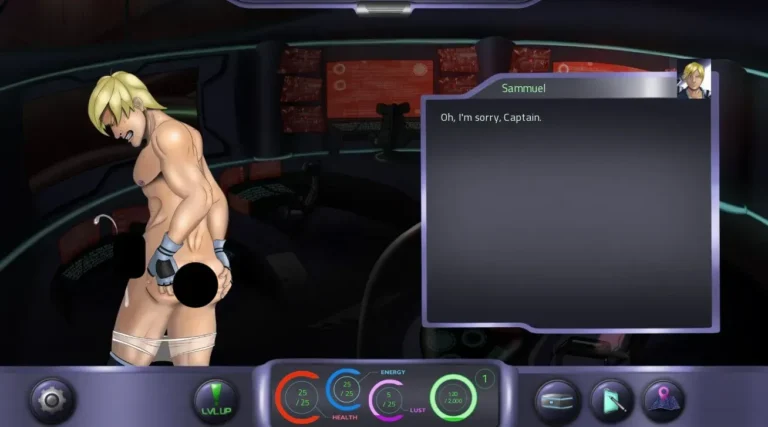
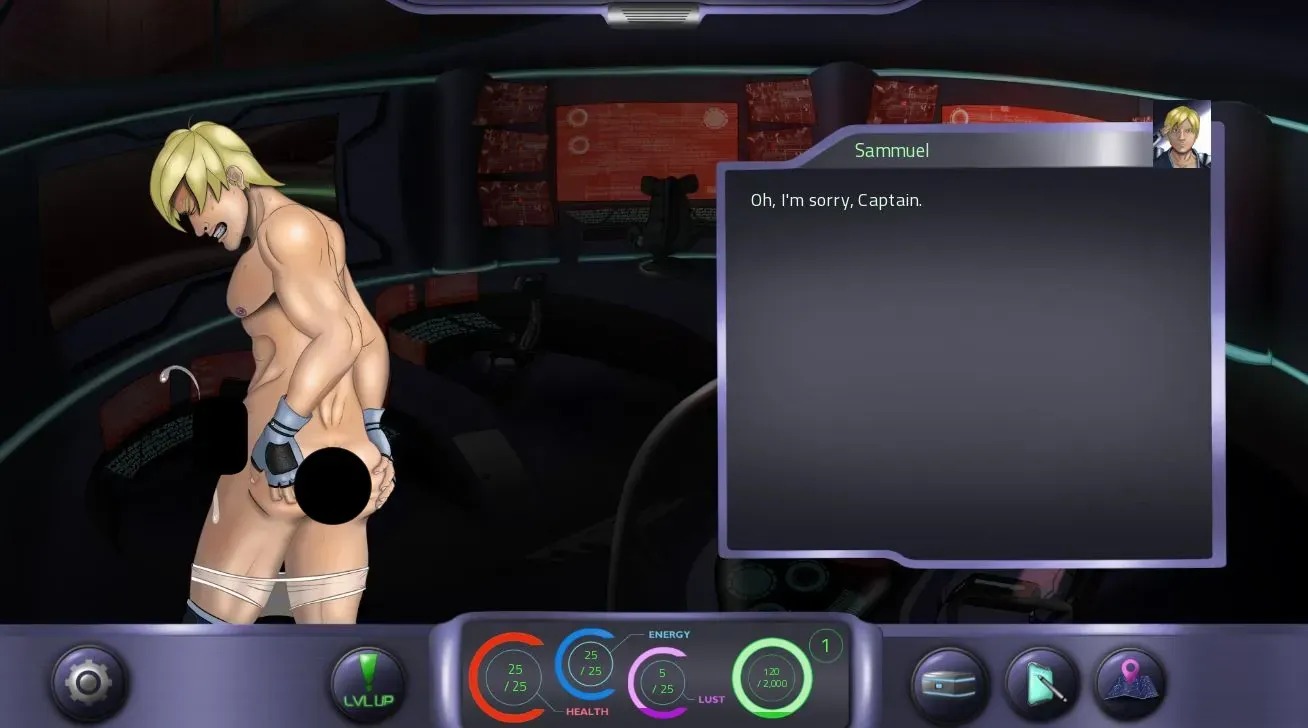
When you’re exploring a location or in dialogue, keep an eye on the bottom or sides of the screen. You’ll typically see:
* Character Portraits: Shows who you’re talking to and their current emotional state. A smiling face is good; a scowling one… maybe try a different topic. 😅
* Quick Menu Icons: Small icons for your Inventory, Quest Log, Map, and Game Menu. They’re your constant companions.
Key Menus (Accessed via the ‘M’ key or Menu button):
* Inventory: Your gear, items, and key story objects are here. Some items can be used in specific situations, so check back often.
* Quest Log / Codex: Your bible. The Quest Log breaks down your main and side objectives clearly. The Codex often holds lore, character profiles, and your discovered “Kink” information—a tracker for the intimate preferences you’ve uncovered about your crew, which is vital for deepening relationships. 🔭
* Relationship Panel: This is crucial. It often shows your crewmates with meters or indicators for key stats like Respect, Affection, Trust, or specific romance flags. Watching these bars move after major choices is half the fun (and the strategy!). This is how you track your progress on those romance paths.
* Map / Galaxy Navigation: When on your ship, this lets you plot a course between star systems and planets. Different locations offer main story missions, side quests, or chances to bump into someone special.
The UI is designed to give you all this info without overwhelming you. Spend a few minutes after creation just clicking through every menu. Knowing exactly where to check your relationship status with the fiery pilot or to find that next story planet is how you stay in control of your odyssey.
Your First Session Checklist & Quick Troubleshoot ✅
Before you hit “New Game,” run down this list:
* ☑ Game installed and launched successfully.
* ☑ Resolution and text speed adjusted in Settings.
* ☑ Character built with a focused attribute strategy (Charisma/Cunning recommended!).
* ☑ Save folder location noted (%APPDATA%).
* ☑ All main menus opened and understood.
Stuck? Try these:
1. Game won’t launch? Ensure your graphics drivers are updated. For RenPy games (the engine Lust Odyssey uses), also try right-clicking the .exe and selecting “Run as administrator.”
2. Saves not appearing? Double-check the Lust Odyssey save file location. Anti-virus software can sometimes quarantine files; you may need to add an exception for the game’s folder.
3. Choices seem locked? You likely lack the required Attribute score. Don’t stress! This isn’t a failure; it’s just your unique story path. You can always see other outcomes in another playthrough.
Now you’re fully prepped. You know how to start Lust Odyssey with confidence. The galaxy is vast, full of mystery, romance, and adventure. Your captain’s chair awaits—go make your mark. ✨
Lust Odyssey rewards curiosity, deliberate choices, and careful resource management: set up your character with an eye toward the romance route you want, monitor reputation and affinity to unlock scenes, and use saves to experiment with different outcomes. The game balances narrative branches with optional side content and rewards players who explore hidden regions and invest in crew roles; follow the practical tips and checklists in each chapter to avoid common traps and reach desired endings. Try one focused playthrough to learn the systems, then replay with different romance or faction goals—save frequently and have fun discovering the game’s branching possibilities.