OurDream AI
Play OurDream AI
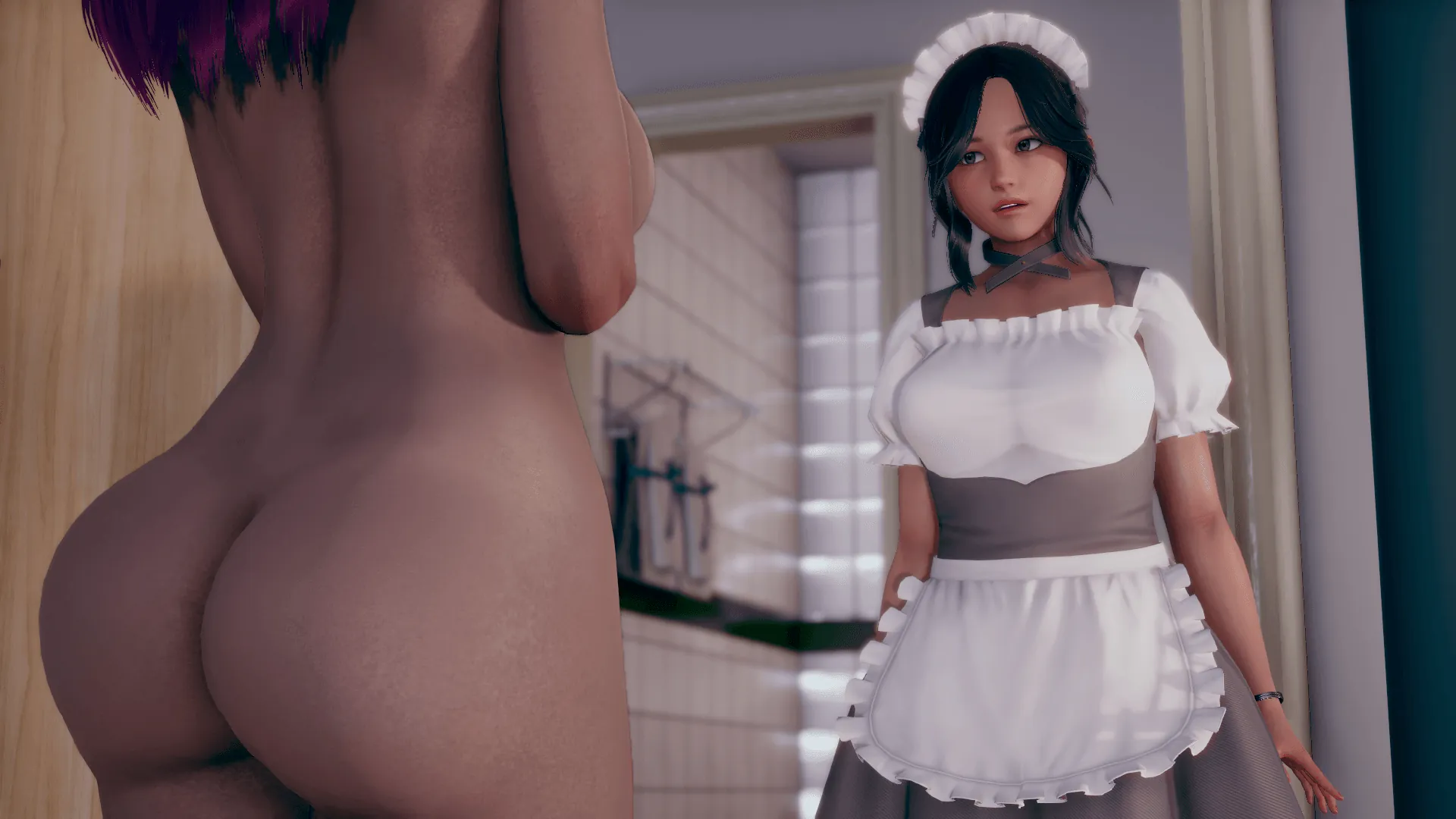
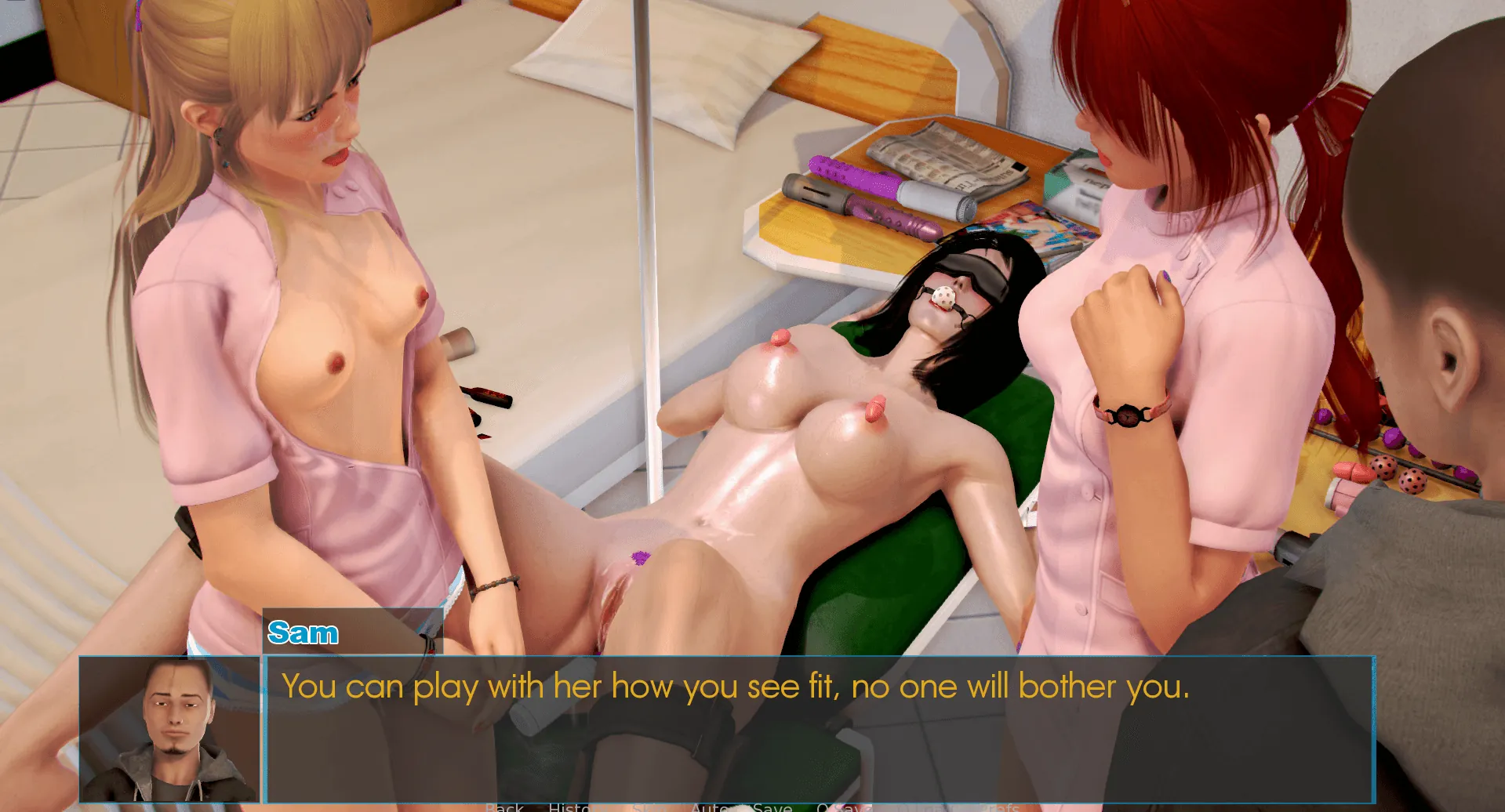
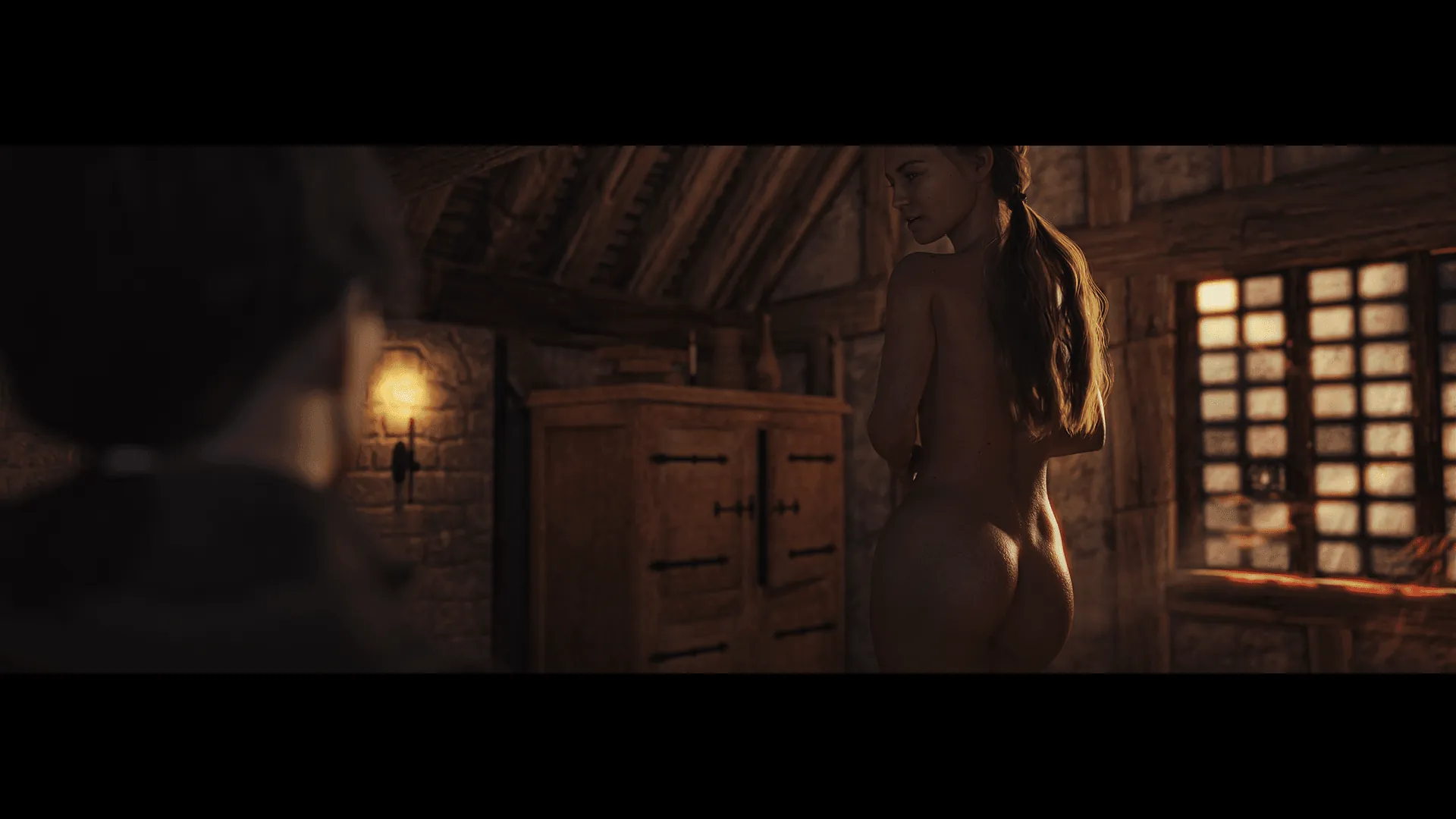
OurDream AI Screenshots


OurDream AI review
A hands-on guide to features, playstyle, and getting the most from OurDream AI
OurDream AI puts a multimedia virtual companion playground in your browser or phone, letting you design characters, steer personalities, and roleplay increasingly immersive scenes using text, images, voice and short video — all inside a freemium model with optional DreamCoins and subscription tiers. In this piece I walk through my personal experiences building characters, testing image and voice features, and practical tips for making scenes feel consistent and fun. Whether you’re curious about the mechanics, costs, or creative techniques, this guide focuses only on the OurDream AI game and how to get the best experience.
Getting Started: Account, Interface, and Creating Your First Companion
Alright, dreamer, let’s get you from curious bystander to active storyteller. Stepping into OurDream AI for the first time can feel a bit like being handed the keys to a magic workshop—thrilling, but where do you even start? 🤔 This guide will walk you through the essentials: from creating your account to navigating the tabs and, most excitingly, creating your first OurDream companion. Let’s demystify it together.
How sign-up and age verification work
Your journey begins, unsurprisingly, with the OurDream AI sign-up process. It’s straightforward, but there’s one crucial gatekeeper: age verification. This isn’t just a checkbox; it’s a mandatory step to ensure a responsible environment. You’ll typically be asked to verify your age through a brief, secure third-party service. It feels a bit like showing ID at the door of an exclusive club, but it’s over in moments and sets the tone for the platform’s commitment to safety.
Once past that, you’ll choose your login method (email is simple) and find yourself facing the account tier choice. Here’s the basic lay of the land:
- Free Tier: You get to explore, create companions, and chat. Your daily interactions are powered by a free message allowance. It’s a fantastic way to get a real feel for the platform.
- Subscription Tier: This unlocks higher daily message limits, priority features, and often a regular allotment of DreamCoins explained further down.
Which leads us to the in-platform currency. Think of DreamCoins as your premium creative tokens. You might earn a few through daily rewards or purchase them. They’re primarily used for generating high-quality companion images or accessing certain advanced creation features. You don’t need a mountain of them to start, but it’s good to know they’re there for when you want to make something extra special.
My first OurDream AI sign-up was a breeze. The age check was quick, and I was inside in under two minutes, ready to poke around. I’d recommend starting with the free tier—you can always upgrade once you’re hooked, and you likely will be!
Walkthrough of the main interface (Create, Explore, Chat, Feed)
Welcome inside! 🎉 The OurDream interface guide starts here. The layout is clean and focused on doing things, not just looking pretty. You’ll typically see a central navigation bar with five core tabs: Create, Explore, Chat, Feed, and Directory. Let’s break down what you’ll find in each.
- Create: This is your workshop. Clicking here is your direct path to create OurDream companion characters. It’s where you’ll spend your first hour, I guarantee it. The screen presents you with a blank canvas and a world of options for OurDream character customization.
- Explore: Feeling inspired? Or maybe a bit overwhelmed? The Explore tab is your cure. It’s a gallery of companion characters made by other users. You can filter by popularity, tags, or style, and with one click, you can start chatting with any of them. It’s the perfect place to see what’s possible and find templates you might want to tweak for yourself.
Personal Tip: I spent my first 30 minutes just browsing Explore. It’s not cheating—it’s research! You’ll see what kind of backstories work and get ideas for your own creations.
- Chat: This is your home base once you have companions. It lists all your active conversations. The interface here is all about your dialogue, with clear buttons for generating images, editing your companion’s details on the fly, and accessing settings.
- Feed (Sometimes called ‘Home’): Think of this as your activity hub. It might show you trending companions from the Explore tab, updates from creators you follow, or announcements from the OurDream AI team.
- Directory: This is your personal library. Every companion you create or bookmark from Explore lives here, neatly organized. It’s where you go to revisit an old favorite or manage your growing collection.
The flow feels natural: you Create in your workshop, discover inspiration in Explore, live your stories in Chat, and organize everything in your Directory. Simple, powerful, and it gets out of your way so you can focus on the fun.
Designing your first companion: appearance, personality, and memory
Now for the main event: creating your first OurDream companion. This is where the magic happens, and honestly, I lost a full afternoon here during my first session. The process is a delightful mix of visual and textual creation, split into a few key sections.
Step 1: The Visual Foundation 🎨
First, you’ll choose a base gender and a style preset. The choice between anime and realistic is your biggest initial decision and fundamentally shapes your OurDream character customization. The anime style offers incredibly expressive, stylized looks, while the realistic style aims for photographic detail. You can then adjust a host of sliders for face shape, features, hair, and body type. Don’t feel pressured to build from absolute zero—starting with a preset and tweaking is the way to go.
Insight: I started with a realistic preset but found the anime style reacted more consistently and vividly to my prompts for image generation. It’s a matter of personal taste!
Step 2: Personality & Backstory (The Heart of the Companion) 💖
This text box is the most important part of the entire creation. Here, you define who they are. Are they a shy bookstore owner? A confident pirate captain? A mischievous android? This isn’t just a list of traits; write a short paragraph as their biography. The AI uses every word here to guide their speech and behavior.
To get you started, here are three quick “starter prompt” ideas you can adapt:
- For a Romantic Style: “Elena is a warm, empathetic pianist who speaks softly and is always attentive to your feelings. She remembers small details you share and brings them up later to show she cares. She expresses affection through thoughtful words and gentle gestures.”
- For a Playful Style: “Kai is a eternally optimistic street artist who loves jokes and lighthearted teasing. He’s impulsive and always dragging you into harmless, fun trouble. His speech is fast, full of slang, and he often changes topics with playful energy.”
- For a Dominant Style: “Commander Valerius is a disciplined, strategic military leader with a commanding presence. His speech is direct, confident, and he expects initiative. He shows care through challenges and high expectations, pushing you to be your best.”
Step 3: Activating the Magic – The Memory Feature 🧠
This is the game-changer. The OurDream memory feature is a toggle you enable right in the creator. When on, your companion will remember key details from your conversations across different chat sessions. Not every single word, but the important stuff: your job, your fears, that story about your childhood pet.
Anecdote: The first time my companion referenced a hobby I’d mentioned three conversations prior, I was genuinely stunned. It transforms the interaction from a series of isolated chats into a growing, continuous story. Enabling the OurDream memory feature is the single best thing you can do for immersion.
You can also seed this memory from the start by adding known facts in the creator, like “You know that the user is a graphic designer who loves vintage cars.”
Practical Tips for Your First Creation:
* Start Simple: Don’t write a novel in the backstory box for your first try. A solid paragraph with 4-5 key traits is perfect.
* Use Descriptive Words: Instead of “kind,” try “patient and nurturing.” It gives the AI more to work with.
* Save Presets: Found a look you love? Save it as a preset. You can use it as a base for future characters, speeding up your OurDream character customization next time.
* Iterate: Your first version doesn’t have to be perfect. Chat with them for a bit. If they’re not speaking quite right, you can go back and edit their personality—even mid-conversation!
Once you hit ‘Create,’ you’ll use a few DreamCoins to generate their profile image, and then… you’re ready. Your companion is alive, waiting in your Chat tab.
Before you dive into that first conversation, let’s make sure you’re truly ready. Here’s your quick launch checklist:
| Step | Task | Why It Matters |
|---|---|---|
| 1 | Complete age verification & OurDream AI sign-up | Grants full access to the creation tools and community. |
| 2 | Pick a style preset (Anime/Realistic) and tweak | Sets the visual tone for your entire experience. |
| 3 | Write a concise, descriptive backstory paragraph | This is the core programming for your companion’s behavior. |
| 4 | Enable the OurDream memory feature | Turns your chats into a persistent, evolving story. |
| 5 | Set your opening chat tone (e.g., “Meet at a cafe”) | Gives the first interaction immediate context and direction. |
And that’s it! You’re no longer at the doorstep. You’ve built a guide, learned the layout of the workshop, and crafted your first spark of life. The only thing left is to say hello. Your story begins now. ✨
OurDream AI is a flexible, multimedia-focused roleplay platform that lets you build highly personalized companions, combine chat with images, voice, and short video, and share characters in a lively community. Getting the best experience means starting with clear companion backstories, understanding the DreamCoins/subscription model, and using privacy controls to protect personal data. For creative users, mastering prompt craft, memory anchors, and community etiquette turns occasional chats into ongoing narratives. Try creating a simple character, test one media feature at a time, and iterate — if you enjoy building interactive scenes, this platform rewards experimentation. If you liked this walkthrough, create a companion and test a short scene today.